Code-Ledger
Your DSA grind, on your GitHub. Automatically.
A browser extension that commits every accepted competitive-programming solution to your own GitHub repository — code, problem statement and an optional AI review — with no extra steps after install. Practice that used to vanish into a judge's servers becomes a reviewable history.
Built with
Highlights
- ▸Commits accepted solutions automatically, so a months-long practice habit shows up as real repository history.
- ▸Keeps the commit path and the AI review path separate, so a slow or failing AI provider never delays or blocks a commit.
- ▸Batches finished reviews through a ten-minute maintenance alarm into one atomic commit, rather than one commit per review.
- ▸Maps the same problem across different judges to a canonical identity, so solving it twice does not create two entries.
- ▸Uses your own AI provider key and your own repository — the extension is the plumbing, not the host.
Why the two paths are separate
The obvious design runs the AI review and then commits the result. It fails the moment a provider is slow or down: the commit — the part that actually matters — is held hostage by the part that does not. Here the commit goes out immediately on acceptance, the review is queued in IndexedDB, and a maintenance alarm folds completed reviews into a later atomic commit. A dead provider costs you review text, never a commit.
From the README
CodeLedger
Your DSA grind, on your GitHub. Automatically.
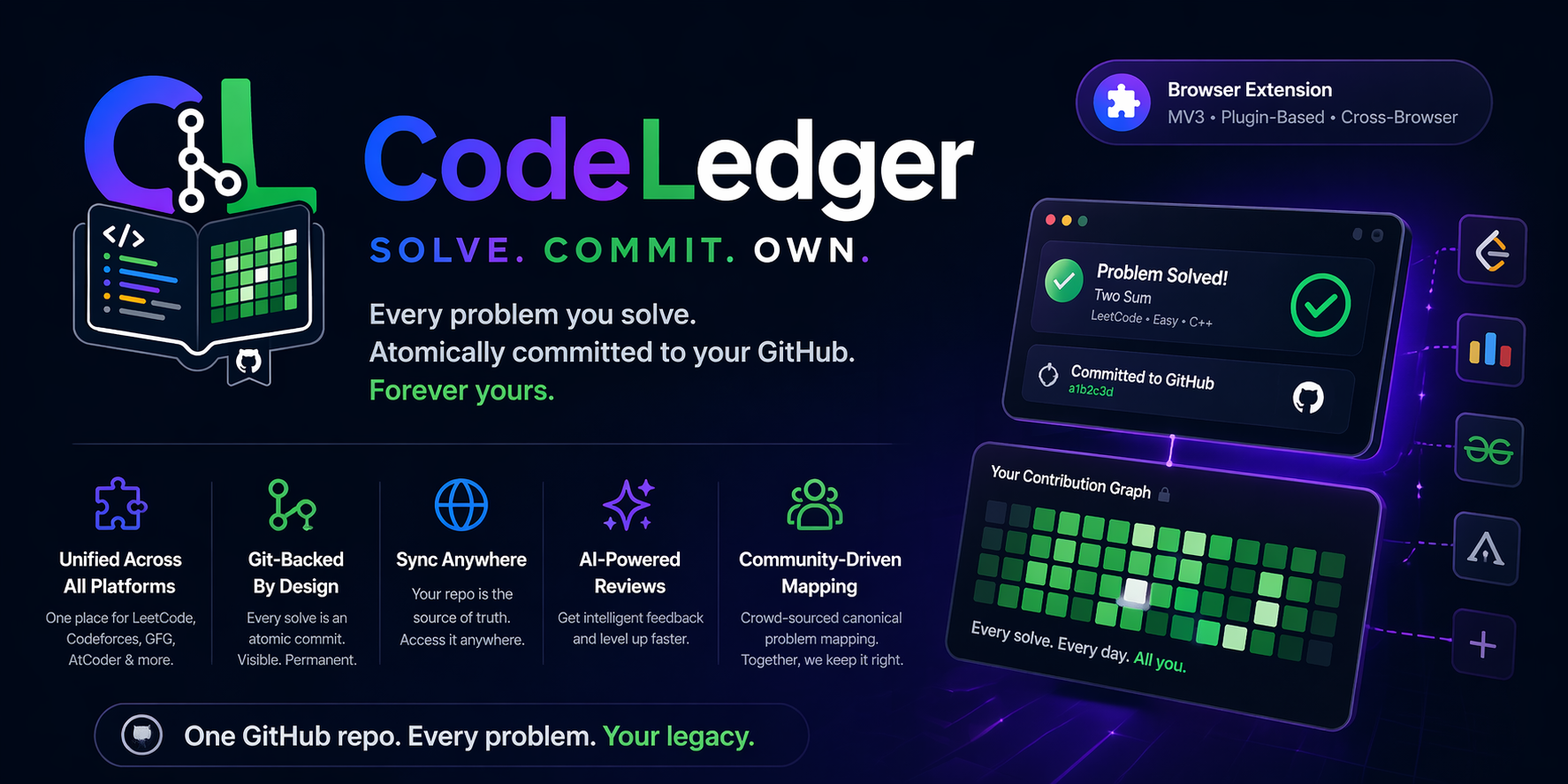
Zero-click commits · AI code review · Live analytics · Knowledge graph · Bulk LeetCode import








The Problem
You grind DSA every day. Your GitHub looks empty. Your solutions disappear into LeetCode's servers. When a recruiter asks to see your work, you have nothing to show — even though you've been coding for months.
CodeLedger fixes that. Install the extension, connect your GitHub, and every accepted solution gets committed automatically — code, problem statement, AI review, and all. Your profile becomes a living portfolio. Zero extra steps.
How It Works
The commit path and the review path are deliberately separate. A slow or failing AI provider never delays or blocks the commit. A finished review is written to IndexedDB and the problem is flagged pending; a maintenance alarm running every ten minutes rolls all pending reviews and metadata into one further atomic commit, rather than one commit per review.
What Gets Committed
One accepted submission produces one atomic commit through the GitHub Trees API — never a partial write, never one commit per file.
problems/two-sum/leetcode/
├── lc-two-sum.py        ← your code, exactly as submitted
└── README.md            ← statement, hints, runtime/memory, AI review

index.json               ← machine-readable history (rewritten every commit)
README.md                ← stats dashboard, regenerated in the same commit
index.html               ← GitHub Pages dashboard, same commit
.codeledger/
├── sync.json            ← portable settings backup
├── behaviour-bank.json  ← your AI skill definitions and insights
└── roadmaps.json        ← learning roadmaps
two-sum is the canonical ID. When the same problem exists on more than one platform, every platform's solution lands under the same canonical directory, so problems/two-sum/leetcode/ and problems/two-sum/geeksforgeeks/ sit side by side. If no canonical mapping is known, the layout falls back to problems/lc-two-sum/.
Install
| Browser | Install |
|---|---|
| Chrome / Edge / Brave | Chrome Web Store |
| Firefox | Not on Firefox Add-ons yet — download the Firefox zip |
| Any | Download a release zip and load it unpacked |
Loading unpacked from source:
Chromium   chrome://extensions  →  Developer mode ON  →  Load unpacked  →  select dist/chromium
Firefox    about:debugging      →  Load Temporary Add-on  →  select dist/firefox/manifest.json
Run npm run build first for either target. src/ holds two manifests —
manifest-chromium.json and manifest-firefox.json — and no manifest.json;
picking one and writing it out under that name is what the build does, so src/
cannot be loaded unpacked directly.
Setup (2 minutes)
- Click the CodeLedger icon in your toolbar.
- Click Connect GitHub. The OAuth exchange runs through the Cloudflare Worker at
codeledger.vkrishna04.me, which swaps the authorisation code for a token and returns it to the extension. The token is stored in your browser and never on the worker. - Pick a repo name (e.g.
my-dsa-solutions). CodeLedger creates it and writes the first commit itself. - Solve a problem. Check your GitHub.
CodeLedger requests public_repo and workflow by default — enough to create a public repository, push to it, and write the GitHub Pages workflow. Choose the broader repo scope during authorisation if you want your solutions in a private repository.
Optional: add an AI provider key under Settings → AI to turn on code review.
Supported Platforms
| Platform | Solve detection | Bulk history import |
|---|---|---|
| LeetCode | GraphQL submission polling + DOM | Yes — Progress page |
| GeeksForGeeks | DOM + Ace editor extraction | Yes — profile page |
| Codeforces | Submission-status DOM observation | No |
| NeetCode | Judge response, read in the page world | No |
| takeuforward | Judge response, read in the page world | No |
NeetCode and takeuforward are single-page apps that judge over fetch and never
render a durable verdict node, so their handlers read the judge's own response
instead of the DOM. On takeuforward only the TUF+ judge reports a verdict;
without a subscription the handler still marks off sheet rows you have already
solved elsewhere, but has nothing to commit.
Each platform is a self-contained directory under src/handlers/platforms/. Adding another one requires no changes to the core — see the handler contract.
Supported AI Providers
| Provider | Notes |
|---|---|
| Google Gemini | Default — free tier available |
| OpenAI | Bring your own key |
| Anthropic Claude | Bring your own key |
| DeepSeek | Bring your own key |
| Ollama | Local models — no API key needed |
| OpenRouter | Access many models with one key |
Keys are stored in your browser under ai.keys and are sent only to the provider you selected. If a provider fails, the queue retries and can fall back to another configured provider.
What You Get
| Zero-click commits | Every accepted submission is committed the moment it is accepted — solution file and problem statement in one atomic commit. |
| Bulk import | Pull your existing LeetCode or GeeksForGeeks history in from your profile page: past accepted solutions with code, statements and stats, committed in batched commits. |
| AI code review | Complexity analysis, optimisation suggestions and hints, committed alongside your code. Six providers, your own keys. |
| Live dashboard | A heatmap, difficulty breakdown and solve-velocity chart, generated into your repo and served from your own GitHub Pages. The topic radar sits with them in the extension's own Analytics view. |
| Knowledge graph | A force-directed graph of everything you have solved, linked by topic. |
| AI chat panel | A floating panel on every problem page. Ask about complexity, request hints, paste errors — your code is available to the chat via /mycode. |
| AI Behaviour Bank | Personal memory for the assistant: saved insights, named skills that trigger on command, and learning roadmaps that inject context into every chat. |
| Cross-device sync | A chrome.alarms job polls your repo's index.json and reconciles it with local IndexedDB, so any machine you install on catches up on its own. |
| Rolling backups | Scheduled snapshots of problems and settings committed to your repo. Restore in one click. |
| 100% yours | Your code goes from your browser straight to your repo. The only server this project runs is the OAuth relay. |
Architecture
No bundler, no transpiler. Pure ES6 modules; Preact and htm come from src/vendor/preact-bundle.js, a local bundle generated by npm run vendor:preact and committed to the repo, so nothing is fetched from a CDN at runtime. Tailwind is compiled ahead of time into a single stylesheet.
Two rules hold everywhere:
- Every extension API call goes through
src/lib/browser-compat.js. Nothing else toucheschrome.*orbrowser.*. - Every log goes through
createDebugger()fromsrc/lib/debug.js, which preserves the caller's file and line in DevTools.
See docs/architecture/system-architecture.md for the full component breakdown.
The Worker
A single Cloudflare Worker (Hono) does two jobs: it relays the GitHub OAuth code exchange, and it serves the static landing page.
The route contract is specified in docs/OPENAPI.yaml and validated in CI.
Privacy
Your solutions, your tokens and your AI keys stay in your browser and go only to the services you chose. There is no account and no server-side copy of your data.
One optional exception: Anonymous Usage Stats, off unless you turn it on in Settings → Advanced. When enabled, each committed solve sends a counter hit containing the platform name and extension version — nothing else, no identifier of any kind. Full detail in PRIVACY.md.
For Developers
npm install
npm run build:css        # Tailwind → src/ui/styles/compiled.css
npm run build            # CSS + per-target dist/
npm run lint             # dev/typecheck.js — tsc --checkJs over every file, fails on undefined names
npm run format           # prettier over src, dev, worker
npm test                 # node:test — extension + worker suites
npm run validate:openapi # worker routes must match the spec
npm run release          # validate → build → zip → commit → tag → push
npm run release -- --dry-run
Automation
Seven workflows in .github/workflows/. The four that run Node pin Node 24; the three store-publish workflows need none.
| Workflow | Trigger | What it runs, and what it writes |
|---|---|---|
ci.yml | push to main, any pull request, manual | lint, test, test:sync-regression, validate:openapi, plus two drift checks: package.json and both manifests must agree on the version, and host_permissions must be current. Then a packaging build that uploads the zips as run artifacts. On a push it runs the fixers and pushes any drift back to the branch as a chore: auto-heal… bot commit; pull requests get the blocking format:check instead. |
release.yml | tag matching v*.*.* | lint, test, test:sync-regression and validate:openapi, with any fixable drift healed in the checkout rather than pushed; then checks the tag against manifest-chromium.json, builds the chromium, firefox and source zips into releases/<version>/, and publishes a GitHub Release with that version's CHANGELOG section as the notes. |
publish-chrome.yml | a published GitHub Release | Downloads the chromium zip from the release and uploads it to the Chrome Web Store. |
publish-edge.yml | a published GitHub Release | The same chromium zip to Microsoft Edge Add-ons. A no-op until the Edge secrets are set. |
publish-firefox.yml | a published GitHub Release | The firefox zip to addons.mozilla.org. A no-op until the AMO secrets are set. |
deploy-worker.yml | push to main touching worker/**, manual | wrangler deploy of the OAuth relay and its landing page. |
canonical-map-validator.yml | issues and issue comments carrying the canonical-mapping label, manual | Validates proposed cross-platform mappings and commits accepted ones to src/data/canonical-map.json as a bot commit. |
All three store workflows skip pre-release tags — any tag containing a hyphen.
Adding a platform handler
- Create
src/handlers/platforms/{name}/index.jsextendingBasePlatformHandler. - Add
dom-selectors.js(with aDOMAINSexport) andpage-detector.jsalongside it. - Add the hostname branch in
src/content/handler-loader.js. - Run
npm run domains:updateto regeneratehost_permissionsin both manifests.
The full contract is in docs/guides/development/adding-platform-handler.md. LeetCode's handler is the reference implementation.
Adding an AI provider
- Create
src/handlers/ai/{name}/index.jsextendingBaseAIHandler, plusmodel-fetcher.js. - Add the provider to
CONSTANTS.AI_PROVIDERSinsrc/core/constants.js. - Register its settings schema in
src/handlers/init.jsand wire it intoModelSelector.js.
Self-hosting the worker
- Register a GitHub OAuth App (not a GitHub App — GitHub Apps ignore the
scopeparameter and issue user-to-server tokens that cannot create repositories). Callback URL:https://<your-worker>/api/auth/github/callback. - Copy
worker/wrangler.toml.exampletoworker/wrangler.toml, then set the secrets it lists withnpx wrangler secret put <NAME>. - Point
CONSTANTS.URLS.AUTH_WORKERinsrc/core/constants.jsat your worker. npm run deploy:worker.
Contributing
Read .github/CONTRIBUTING.md before opening a PR. Open tickets live in docs/reference/backlog.md.
Before pushing: npm run lint && npm run format:check && npm test.
Documentation
- Changelog: docs/CHANGELOG.md
- Architecture: docs/architecture/system-architecture.md
- Queues and orchestration: docs/queues/orchestration.md
- Testing guide: docs/TESTING_GUIDE.md
- OpenAPI contract: docs/OPENAPI.yaml
- Adding a platform: docs/guides/development/adding-platform-handler.md
- Graphify knowledge-graph workflow: docs/guides/development/graphify-workflow.md
- Security policy: .github/SECURITY.md